
👁
Menu-bar glance
Done and Working stay on the extra. Blocked and Unknown join when they need you. Idle lives behind the dashboard eye.
What this is
herdr-bar is the macOS menu-bar companion for Herdr. It talks to Herdr’s Unix sockets, folds every live session into a glanceable count, and jumps you back to a pane that already exists.
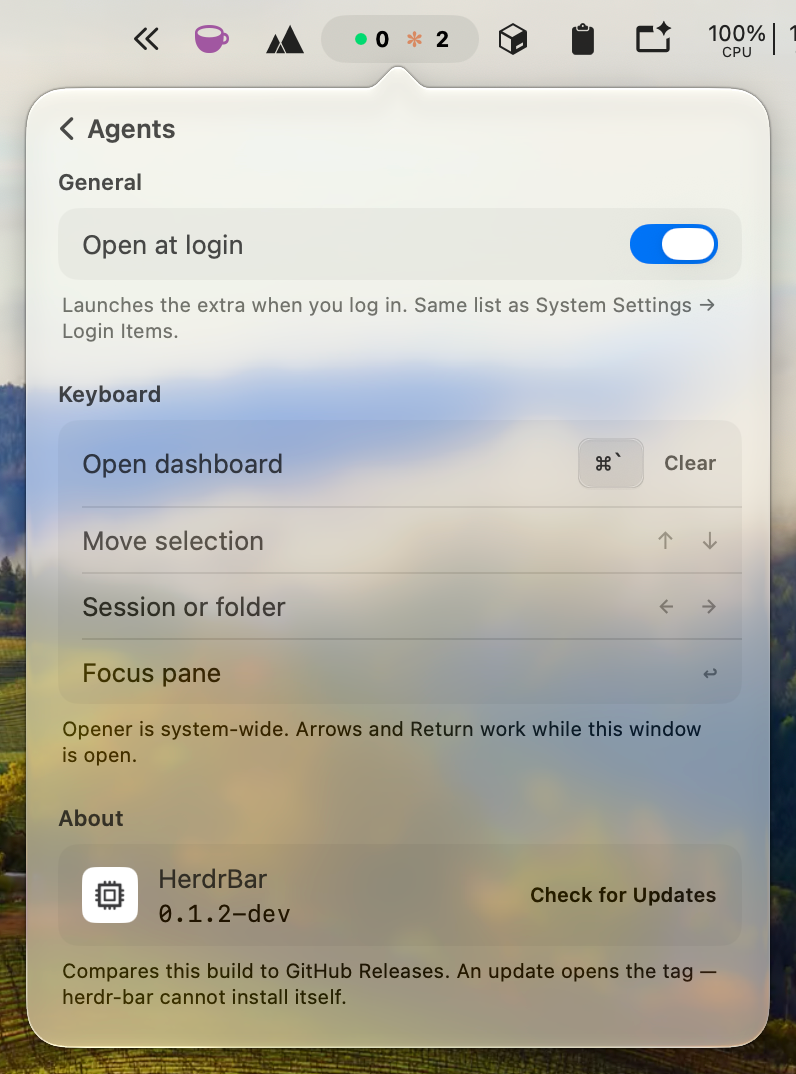
Requires Herdr 0.8+ and macOS 13+. The app is an LSUIElement — it never appears in the Dock.
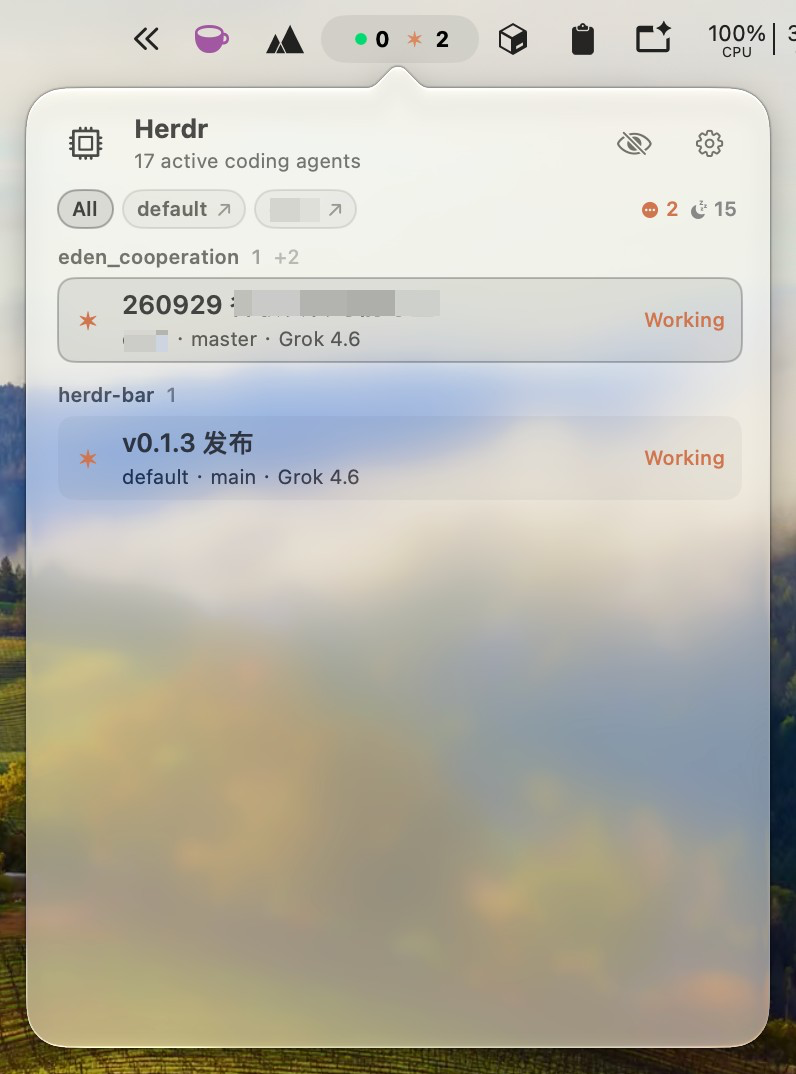
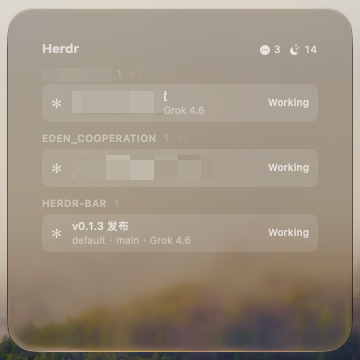
Herdr owns the agents. The terminal owns the TUI. herdr-bar is the glance in between — it never starts Herdr and never creates a pane.
Without it you attach each session and hunt for the pane that needs you. With it: Option-click the extra for the highest-priority agent, or open the dashboard and click a row.
What is herdr-bar? A macOS menu-bar extra for Herdr. It does not start Herdr. It discovers herdr.sock, shows Done / Working counts, and Option-click focuses the highest-priority agent.
How do I install it? Download a tagged HerdrBar-*-macos.zip from GitHub Releases, or ./scripts/install.sh from source. The zip is ad-hoc signed — first launch may need right-click → Open. Details: Install.
Does it create new panes? No. Focus is agent.focus, then tab.focus / pane.focus so the attached TUI follows, then raising the host terminal. See Usage and Architecture.